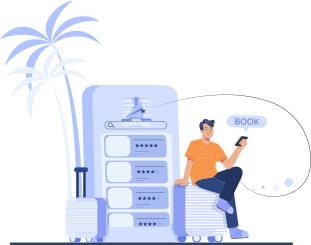
How It Works
Make your internet use in Japan easier and more convenient.
With just a few simple steps, you can get connected smoothly.


Check devices
To use an eSIM, your device must satisfy the following criteria. We kindly ask that you review the conditions listed below before applying.

- 1.The device must support eSIM functionality.
- 2.It must be an unlocked smartphone, either SIM-free or with the carrier SIM lock removed.
- 3. The device must support Japanese mobile network frequency bands, such as Band 1, 3, 8, 18, 19, and 28.
To use an eSIM in Japan, compatibility with these bands is essential.
- For data communication only. Voice calls and SMS cannot be used.
Order
You can easily apply online using your smartphone or computer.
Important Notes
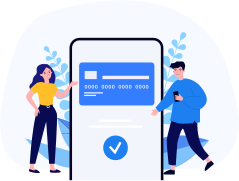
- To complete your application, you will need a valid email address and credit card information.
- After you have submitted the application form, a confirmation email will be sent with the details of your reservation. If you do not receive the confirmation email or if there are any errors in the application details, please contact us immediately.
About Payment
Payment can only be made by credit card.
The charge will be processed at the time of your online application or when you complete payment through the dedicated payment screen.
Please note that any additional charges (such as optional services or extension fees), as well as refunds due to schedule changes or cancellations, will be handled at the time of pick-up or return.
As a result, your credit card statement may show two or more separate transactions. Thank you for your understanding.


Settings
Once your application is complete, you'll receive setup details via email.
Use
Just turn on the device, select the Wi-Fi name, and enter the password to start using it right away.

If you experience any device issues or have questions about how to use it during your rental period, please contact our call center below.